How to Improve On-Site Search for Corporate Websites
2026.09.14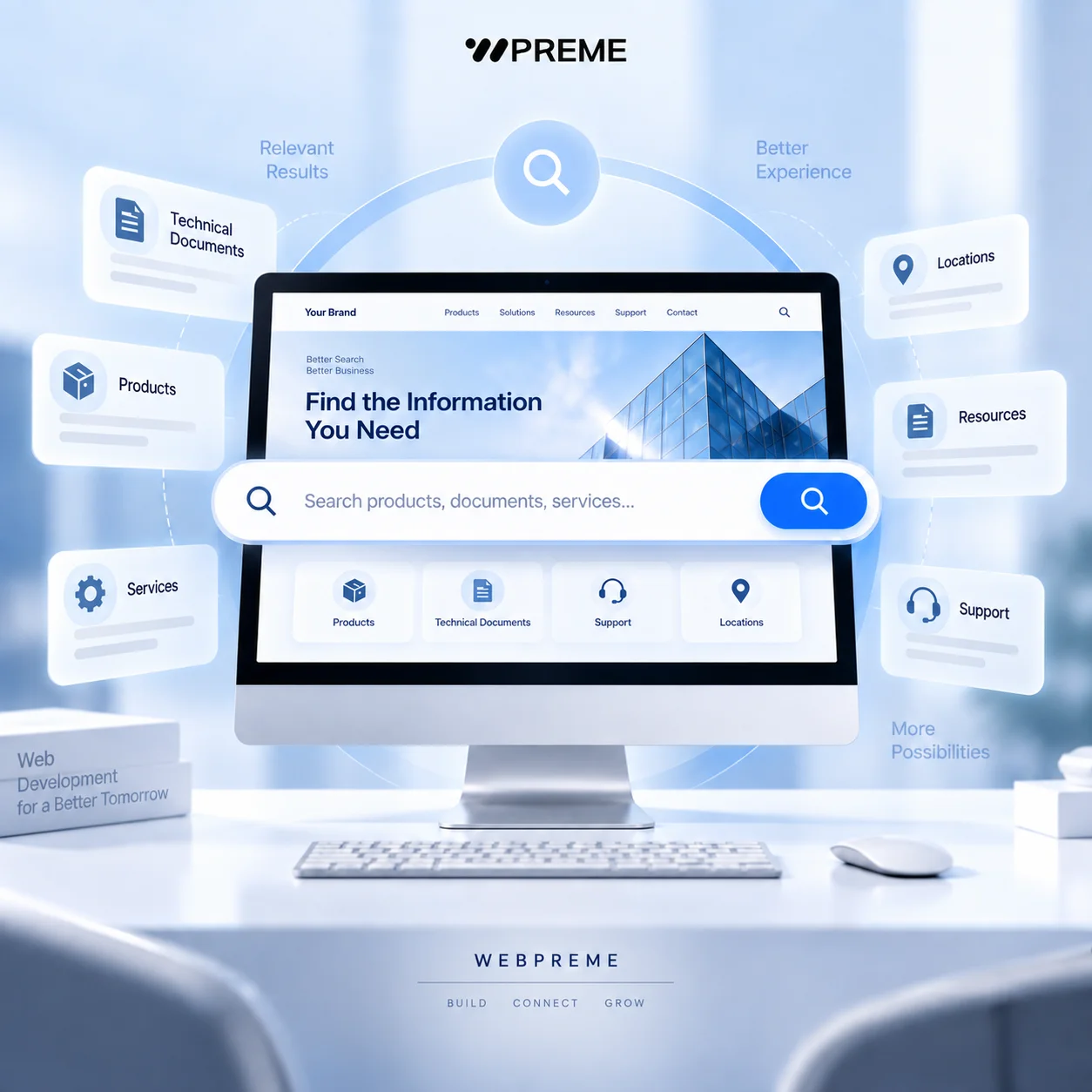
How to Improve On-Site Search for Corporate Websites
On-site search is often treated as a small utility feature, but on large corporate websites it can directly affect how quickly users find products, technical documents, services, locations, and other important information.
The problem is that many search systems only match a keyword against page titles or simple text fields. That may work on a small website, but it becomes less useful as the amount of content grows.
A better search experience should help users reach the most relevant information with fewer clicks, even when they do not know the exact page name or product terminology.
1. Understand What Users Are Actually Searching For
The first step is to identify what visitors are likely to type into the search box.
On a corporate website, users may search for:
- Product names
- Model numbers
- Technical specifications
- Certifications
- Downloadable documents
- Service names
- Locations
- Industry terms
- Support information
These queries can be very different from the labels used in the website navigation.
For example, a company may organise products internally by business division, while customers search directly for a model number or product application.
If the search system only follows the website's menu structure, users may struggle to find information that technically exists on the site.
Search design should therefore begin with real user intent rather than internal content organisation.
Useful sources include:
- Existing site search queries
- Customer support questions
- Sales enquiries
- Product names used by customers
- Search Console query data
- Common terminology used by distributors or partners
This can reveal whether the website is using the same language as its users.
2. Search Beyond Page Titles
A useful corporate search system should normally search more than the page title.
Depending on the website, searchable fields may include:
- Page titles
- Body content
- Product categories
- Product attributes
- Model numbers
- SKUs
- Tags
- Document names
- File descriptions
- Industries
- Locations
Consider a manufacturing website with hundreds of products.
A user may search for a material, application, certification, or model number that does not appear in the page title.
If those fields are excluded from the search index, the correct product may never appear.
The same issue applies to corporate resource centres.
A PDF may contain exactly the technical information a user needs, but if only the page hosting the PDF is indexed, the document can remain difficult to discover.
Searchable data should therefore be planned as part of the CMS or database structure.
This is especially important for websites that contain large product catalogues, technical resources, or frequently updated content.
3. Improve Results with Filters and Relevance
Once a website contains hundreds or thousands of searchable items, returning a long list of results is not enough.
Users also need a way to narrow those results.
Useful filters may include:
- Product category
- Industry
- Region
- Content type
- Document type
- Date
- Application
- Brand
For example, a search for sensor may return product pages, technical manuals, case studies, and news articles.
Allowing users to filter by Products or Technical Documents can make the result set much easier to navigate.
Result ranking is equally important.
Simply sorting by publication date may cause an old but highly relevant product page to appear below several unrelated news articles.
A stronger ranking model may consider:
Keyword relevance ↓ Exact title or model match ↓ Content type priority ↓ Product importance ↓ Content freshness
The exact weighting depends on the website.
A product-driven corporate site may prioritise product pages, while a support portal may prioritise documentation.
The objective is not to show the newest page first. It is to show the page most likely to answer the user's query.
4. Handle Misspellings and No-Result Searches Better
Users do not always enter perfect search queries.
They may type:
- Partial product names
- Abbreviations
- Alternative terminology
- Misspellings
- Old product names
- Singular or plural variations
A search system that requires an exact match can quickly become frustrating.
Depending on the platform and search technology, useful features may include:
- Partial matching
- Fuzzy matching
- Synonyms
- Prefix matching
- Autocomplete
- Suggested queries
Synonyms can be particularly useful on B2B websites.
For example, customers may use an industry term that differs from the terminology used internally by the company.
Both terms should ideally lead to the same relevant result.
No-result pages also deserve attention.
Instead of showing only:
No results found.
a better experience can provide:
- Suggested search terms
- Popular categories
- Related products
- Recently viewed content
- Contact or enquiry options
This turns a failed search into another path through the website.
However, suggestions should remain relevant. Showing generic content simply to avoid an empty page can create more confusion.
5. Track Search Behaviour and Improve Continuously
On-site search is not something that should be configured once and forgotten.
Search data can reveal where users are struggling with the website.
Useful information to monitor includes:
- Most common search queries
- Searches with no results
- Searches with very few results
- Results users click
- Queries followed by another search
- Queries followed by an enquiry or conversion
For example, imagine many users repeatedly search for:
warranty information
but the website has no clear warranty page.
That is not only a search problem.
It may indicate a content or navigation problem.
Similarly, if users search for a product that already exists but rarely click the returned result, the result title or ranking may not be clear enough.
Search analytics can therefore help improve more than the search feature itself.
It can inform:
- Navigation changes
- New content creation
- Product taxonomy
- Page naming
- Metadata
- Support documentation
The search box becomes a direct source of information about what users expect from the website.
Final Thoughts
A good on-site search system should do more than return pages containing the same keyword.
It should understand what users are trying to find, search the right data, rank the most useful results first, and provide clear alternatives when an exact match is unavailable.
For corporate websites with large product catalogues, technical documentation, multiple services, or extensive resource libraries, search should be treated as part of the overall information architecture.
A practical search flow looks like this:
User query ↓ Query interpretation ↓ Search across relevant fields ↓ Relevance ranking ↓ Filters and refinement ↓ Result selection ↓ Search analytics
The most important principle is simple:
A good on-site search system should help users reach the right information faster, not simply return pages that contain the same keyword.
WEBPREME develops corporate websites, platforms, CMS environments, and custom search experiences designed around real content structures and user behaviour.
Meta Description: Learn how to improve on-site search for corporate websites with better indexing, filters, relevance ranking, typo handling, and search analytics.
Meta Keywords: on-site search, corporate website search, website search UX, search filters, search relevance, product search, website navigation, CMS search, B2B website, WEBPREME