How to Design Forms for International Phone Numbers
2026.09.16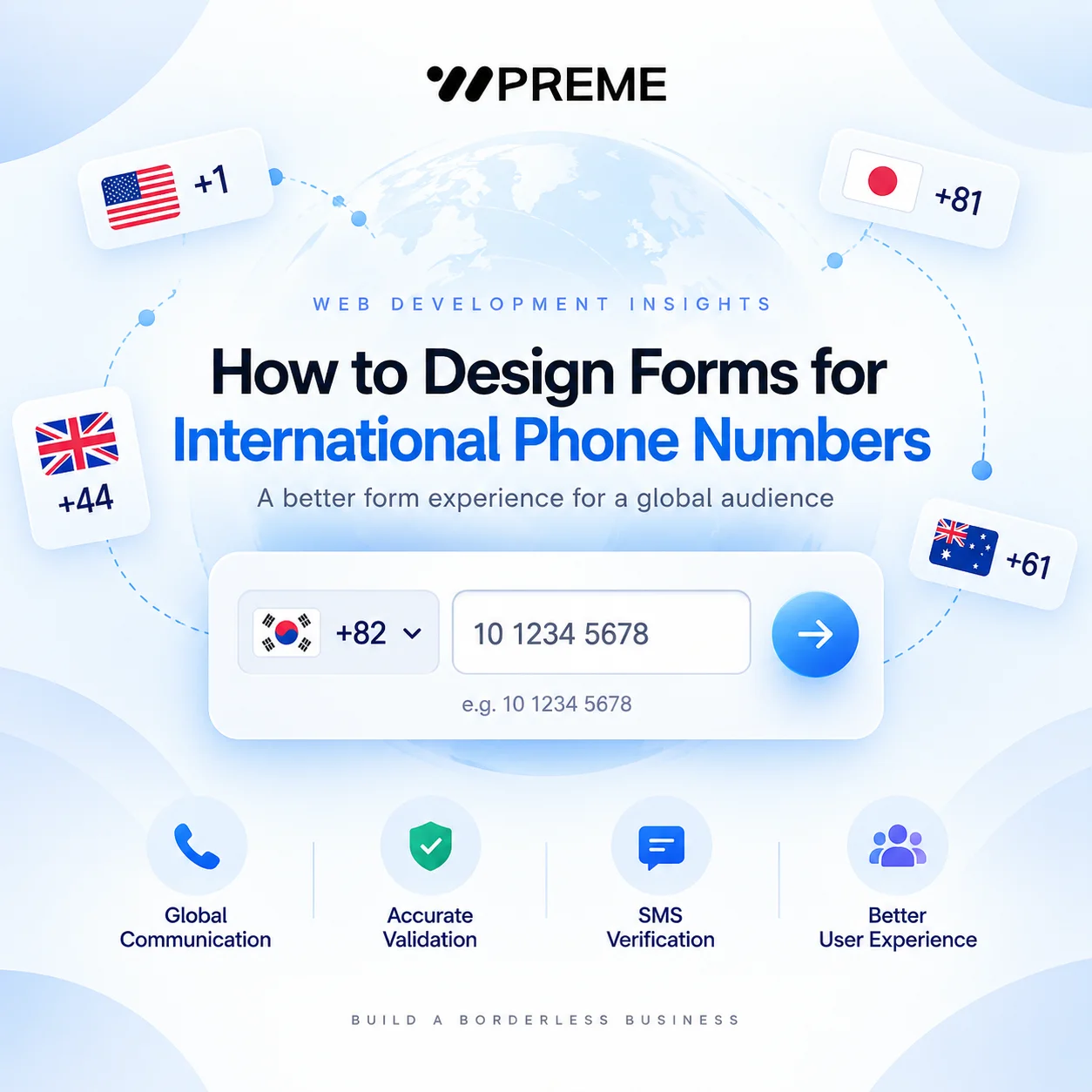
How to Design Forms for International Phone Numbers
International phone number fields look simple, but they often create unnecessary friction on global websites.
A user enters a number that works perfectly in their own country, yet the form rejects it because the field expects a different format. Another user selects the wrong country code. Someone else pastes a number with spaces, brackets, or a leading zero and receives an unclear validation error.
For companies operating across multiple markets, phone number fields should be designed around international variation rather than a single local format.
The goal is not only to accept more numbers. A good implementation should help users understand what to enter, reduce validation errors, and store phone data in a consistent format that can later be used for customer support, CRM systems, SMS verification, automated notifications, or account management.
Start With the Country Code
The first decision is whether users should enter the full international number themselves or select a country separately.
For most global websites, separating the country code from the local number is easier to understand.
A typical structure might be:
- Country: South Korea
- Dialling code:
+82 - Phone number:
10 1234 5678
This reduces the chance that users forget the international prefix or enter the country code twice.
A country selector should ideally display both the country name and dialling code. A flag can provide additional visual context, but it should not be the only identifier because flags are not always the clearest representation of telephone regions.
The selected country can also help the system determine which validation rules should apply.
However, avoid automatically locking the phone field to the user's detected location.
A visitor may be travelling, using a VPN, working overseas, or entering a business number registered in another country. Location detection can be useful as a default, but users should always be able to change it manually.
Do Not Force One Visual Format
Phone numbers are written differently around the world.
For example, a Korean mobile number may appear as +82 10-1234-5678, while numbers in the United States, United Kingdom, or Australia follow different patterns.
Users may also type the same number with spaces, brackets, hyphens, or no separators at all.
A common mistake is validating the visual formatting instead of validating the number itself. For example, a form should not reject a valid number simply because the user entered 01012345678 instead of 010-1234-5678.
Where possible, accept common separators and normalise the value after submission.
The display format and the stored format do not need to be identical. The interface can show a readable local format while the backend stores a standardised international number.
Store Numbers in an International Format
For websites that connect phone data to other systems, consistent storage becomes especially important.
A commonly used approach is to store numbers in the international E.164 format.
For example, 010-1234-5678 can be normalised and stored as +821012345678.
The benefit is that the number can later be interpreted without depending on the user's original local format.
This matters when phone data is transferred to CRM platforms, ERP systems, SMS providers, customer support software, reservation systems, or account verification services.
If each system receives phone numbers in a different local format, duplicate customer records and failed message deliveries can become more common.
A useful workflow is simple:
1. The user enters a phone number. 2. The country or region is identified. 3. The number is normalised. 4. The backend stores a standard international version. 5. A readable format is displayed again when necessary.
The frontend and backend therefore have different responsibilities.
The frontend should make entry easy. The backend should make the data consistent.
Validation Should Identify Impossible Numbers, Not Frustrate Users
Validation is necessary, but overly aggressive validation can make a form harder to complete.
Checking only the number of digits is usually not enough because numbering rules vary by country.
At the same time, trying to manually reproduce every country's numbering logic can make the implementation difficult to maintain.
A better approach is to use a reliable phone number parsing library or service that understands international numbering plans.
Validation can then check whether the submitted value is structurally possible for the selected region.
There is also an important distinction between a number that is correctly formatted and a number that actually belongs to the user.
A number such as +82 10 1234 5678 may look structurally valid, but formatting alone cannot confirm ownership.
If ownership matters, a separate verification process is required.
For example, the website can send an SMS verification code and mark the number as verified only after the user enters that code successfully.
Not every form needs this additional step.
A simple contact form may only require basic validation, while account registration, booking platforms, financial services, or security-sensitive features may justify phone verification.
Handle Leading Zeros Carefully
One of the most common international phone number problems involves leading zeros.
Many countries use a domestic trunk prefix when numbers are dialled locally.
For example, a Korean mobile number may be written locally as 010-1234-5678, but internationally it becomes +82 10-1234-5678.
The first 0 is removed after the +82 country code.
A poorly designed form can accidentally produce +82 010-1234-5678, which duplicates the domestic prefix.
Users should not be expected to understand telephone numbering rules for every country.
If the country code is selected separately, the system should handle normalisation automatically where possible.
The interface can also provide a clear example beneath the field, such as 10 1234 5678 for South Korea when +82 has already been selected.
Design Helpful Error Messages
A message such as Invalid phone number does not tell the user what went wrong.
Better validation messages explain what should be corrected.
For example:
- Enter a valid phone number for South Korea.
- This number appears to include the country code twice.
- Enter a mobile number that can receive SMS verification codes.
The error message should appear close to the phone field and preserve the user's existing input.
Do not clear the field after validation fails.
Users should be able to correct the value rather than type the entire number again.
Real-time validation can also help, but it should not display an error while the user is still entering the first few digits.
A more forgiving approach is to validate after the user leaves the field or submits the form.
Make Mobile Entry Easier
Phone number fields are frequently completed on smartphones, so the input itself should be mobile-friendly.
Using <input type="tel"> can display a telephone-oriented keyboard on supported mobile devices.
This improves the input experience, but it does not automatically validate international phone numbers.
The form still needs its own parsing and validation logic.
Country selectors should also be easy to use on small screens.
A long dropdown containing hundreds of regions can become difficult to navigate, so search functionality is useful.
Users should be able to search by country name or dialling code, such as Korea, +82, United Kingdom, or +44, instead of scrolling through the entire list manually.
Think About the Purpose of the Number
The correct phone field design depends on what the website will do with the number.
A general enquiry form may only need a country and phone number.
A customer account may also need to store whether the number has been verified.
A B2B platform may need to distinguish between office numbers, mobile numbers, direct numbers, and extensions.
Extensions deserve particular attention because they are not usually part of the internationally dialled telephone number itself.
Instead of forcing users to enter something like +1 212 555 1000 ext. 324 into a single field, it can be cleaner to separate the main number and extension.
This makes the data easier to integrate with CRM systems and call management tools later.
Avoid Collecting Phone Numbers Without a Clear Reason
Not every form needs a phone number.
Adding unnecessary required fields increases the effort required to complete the form.
For a newsletter subscription, for example, asking for a mobile number may create unnecessary friction.
For a consultation request, the phone number may be useful because a staff member needs to contact the customer.
Before making the field mandatory, ask:
- Will someone actually call or message the user?
- Is the phone number required to complete the service?
- Can email provide the same function?
- Does the business need SMS verification?
- Is the number being collected only because the old form included it?
For optional fields, clearly mark them as optional.
The form should collect the minimum information required for the intended workflow.
Test With Real International Scenarios
A phone field can appear correct during development but fail once users from multiple regions begin using it.
Testing should include more than one country and more than one input style.
Useful test cases include:
- A local number without a country code
- A full international number beginning with
+ - A number containing spaces
- A number containing hyphens
- A number pasted from a contact application
- A mobile number
- A landline number
- A number containing a domestic leading zero
- An invalid or incomplete number
Also test what happens after submission.
Check whether the stored value is transferred correctly to the CRM, admin dashboard, SMS provider, customer profile, spreadsheet export, or external API.
A phone field is not complete simply because it accepts input.
The entire data flow needs to preserve the number correctly.
Final Thoughts
International phone number fields should be designed as part of the website's data architecture, not as a simple text input.
A reliable implementation usually combines:
- A clear country selector
- Flexible user input
- International phone number parsing
- Consistent backend storage
- Country-aware validation
- Helpful error messages
- Optional SMS verification
- Mobile-friendly input
- Proper CRM and API integration
The most important principle is to separate how users enter the number from how the system stores and uses it.
Users should be able to enter familiar phone formats without understanding international numbering rules. The website should then normalise, validate, and store the number in a consistent format behind the scenes.
For global websites, this small form field can have a direct impact on enquiry completion, account verification, customer communication, and the quality of the data that moves through the rest of the business systems.