Why Your Website Is Not Showing Up on Google
2026.11.12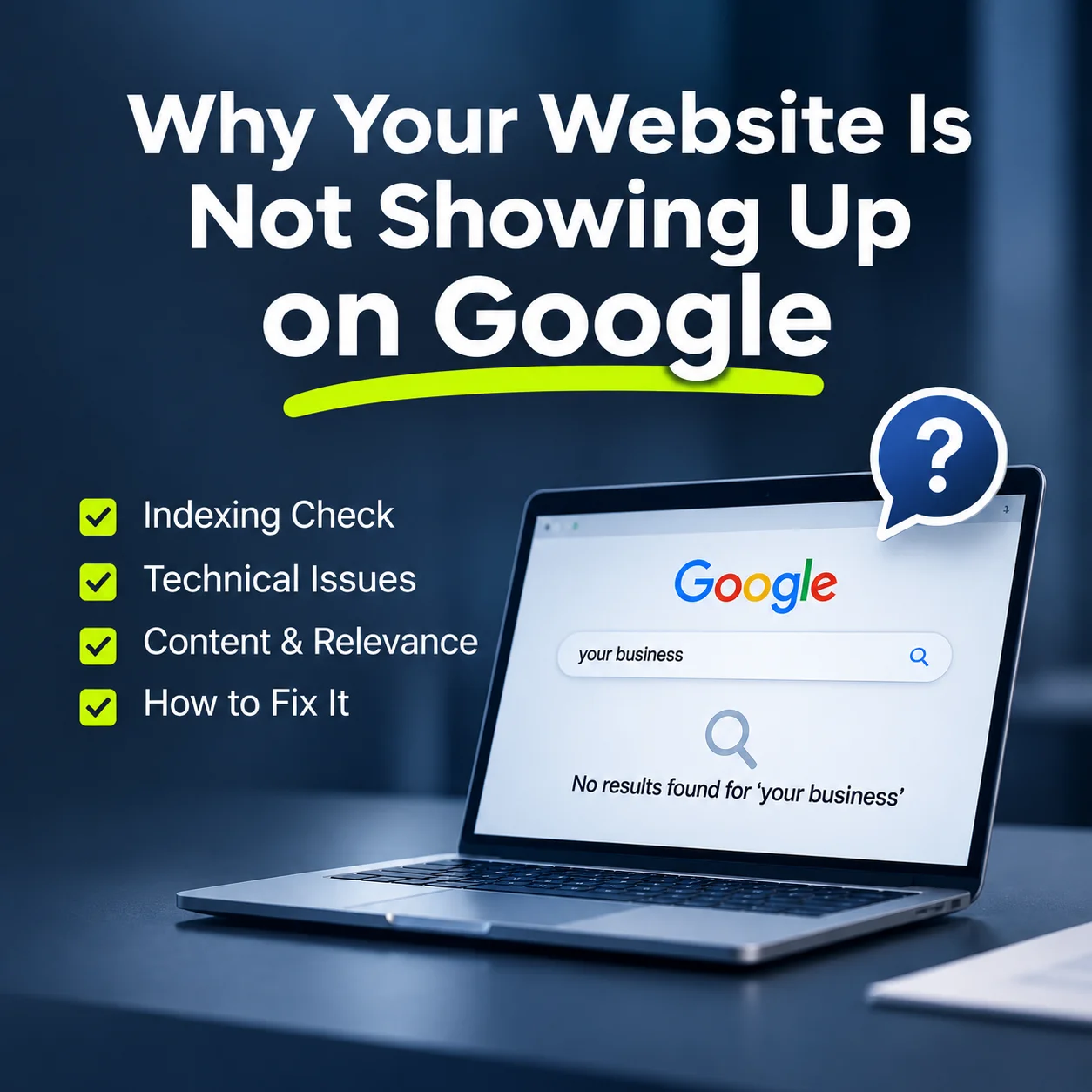
Why Your Website Is Not Showing Up on Google
You have launched your business website, but when you search for your company or services on Google, it is nowhere to be found.
This can happen to newly launched websites and established businesses alike. Sometimes the issue is technical. In other cases, Google has indexed the website, but its pages are not appearing prominently for relevant searches.
If your website is not showing up on Google, first check whether it has been indexed. If it is indexed, the next step is to review its content, technical accessibility and relevance to the searches your customers make.
Understanding the difference helps you identify the problem without making unnecessary changes.
1. Why Is Your Website Not Appearing in Google Search?
A website may be missing from Google because its pages have not been discovered, cannot be accessed properly or have been excluded from indexing.
Common causes include:
- Noindex settings: A page may contain a directive telling search engines not to index it.
- Crawling restrictions: Incorrect robots.txt rules may prevent Googlebot from accessing important pages.
- Server errors: Persistent errors or broken redirects can interfere with crawling.
- New website: Google may not have discovered or processed recently published pages.
- Content limitations: An indexed page may not be sufficiently relevant to rank prominently for a particular search.
These issues require different solutions.
For example, improving page content will not resolve an accidental noindex directive. Likewise, fixing technical settings does not guarantee that a page will rank for competitive keywords.
The first priority is to determine whether the problem is indexing or ranking.
You can make an initial check by searching site:yourdomain.com on Google. However, this does not provide a complete indexing report.
For a more reliable diagnosis, use Google Search Console.
2. How Can You Check Whether Google Has Indexed Your Website?
Google Search Console provides information about how Google discovers and processes your website.
To investigate a missing page, follow these steps:
1. Open Google Search Console and select your website property. 2. Enter the page address into the URL Inspection tool. 3. Check whether the page is indexed. 4. Review any reported indexing problems. 5. Use the live test to examine the page's current accessibility when necessary.
The Page Indexing report can also help identify broader problems affecting multiple URLs.
If an important page is not indexed, check its accessibility, indexing directives, server response and canonical settings.
An XML sitemap can help Google discover important pages, while internal links allow search engines to navigate between related content.
However, submitting a sitemap or requesting indexing does not guarantee inclusion in Google's search results.
For recently launched websites, discovery and indexing may take time. Repeatedly submitting the same URL will not necessarily accelerate the process.
Once indexing is confirmed, you can focus on improving the page's relevance and search performance.
3. Why Is Your Website Indexed but Still Getting Little Traffic?
A page can be indexed without ranking prominently for the keywords a business wants to target.
This often happens when website content does not clearly match what potential customers are searching for.
Consider a manufacturing company in New Zealand.
Its homepage may describe the business as an experienced industry leader, but customers may search for specific manufacturing services, technical capabilities or product specifications.
If these details are missing, Google may have limited information for matching the page to those searches.
A business website should clearly explain:
- What products or services the company provides.
- Which customers or industries it serves.
- Where its services are available.
- Relevant capabilities, specifications or qualifications.
- How potential customers can make an enquiry.
Dedicated service pages can also help.
Instead of describing every service in a short homepage paragraph, create individual pages that explain each offering in more detail.
Internal links should connect those pages logically, helping both visitors and search engines discover related information.
For businesses targeting New Zealand customers, accurate location and service-area information can provide useful context.
Avoid repeating city names or keywords unnaturally. The goal is to answer genuine customer questions, not simply increase keyword frequency.
Search visibility improves when a website provides useful, relevant information that matches customer intent. No particular ranking outcome is guaranteed.
4. What Should You Fix to Improve Google Search Visibility?
Improving search visibility requires a combination of technical maintenance, content development and ongoing measurement.
Start with the issues most likely to prevent customers from finding your business.
Check technical accessibility
Make sure important pages are publicly accessible, return appropriate server responses and do not contain unintended noindex directives.
Review redirects, mobile usability and whether essential content can be rendered correctly.
Improve important pages
Use descriptive headings and explain your services in practical terms.
Include relevant product details, service processes, business information and supporting examples where appropriate.
Avoid creating multiple pages that repeat almost identical content.
Review internal links
Ensure visitors can move naturally from the homepage to relevant service pages and enquiries.
If your website has been redesigned, check that important older URLs redirect to appropriate new locations.
Monitor Search Console
Review impressions, clicks, search queries and page indexing reports.
If a page receives impressions but few clicks, examine whether its content and search appearance match the queries generating those impressions.
If a page receives no impressions, investigate indexing, relevance, search demand and competition before assuming there is a technical fault.
SEO is an ongoing process rather than a one-time configuration.
At WEBPREME, business website development considers content organisation, technical accessibility and future management requirements alongside visual design.
A website should not only represent a business professionally. It should also help potential customers discover relevant information and take the next step.
Final Thoughts
If your website is not showing up on Google, identify the cause before making changes.
A website that has not been indexed requires a different approach from one that is indexed but rarely appears for relevant searches.
Check technical settings first, then review content quality, service-page organisation and search performance.
For businesses in New Zealand and international markets, an effective website combines search-engine accessibility with clear, useful information.
The objective is not simply to appear on Google, but to help the right customers find your business and understand what you offer.