Should Your Business Website Integrate With a CRM?
2026.11.05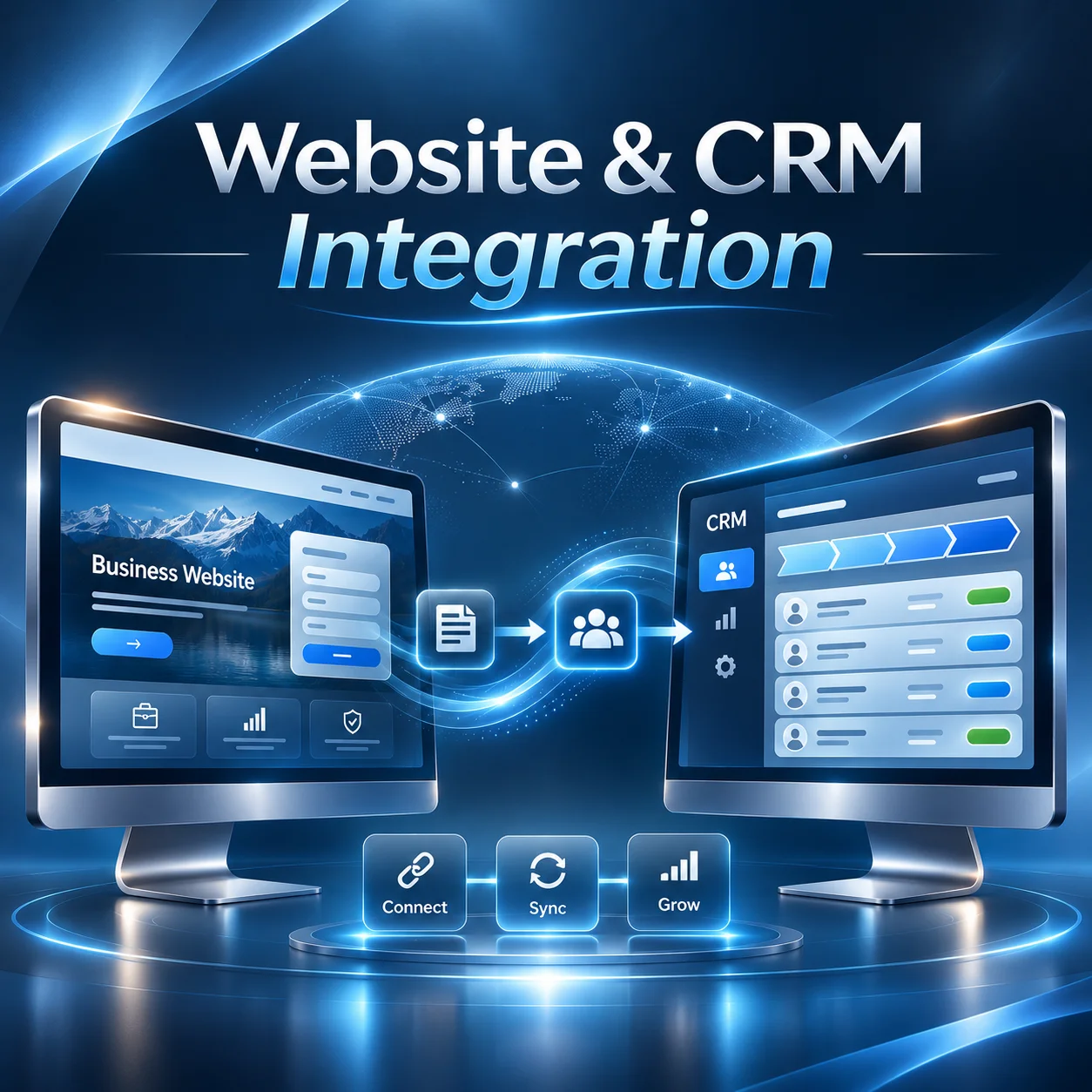
Should Your Business Website Integrate With a CRM?
A business website can generate enquiries, collect customer details and help potential clients learn about your services. But what happens after someone submits an enquiry form?
For many businesses, customer enquiries arrive by email and are then manually entered into spreadsheets or customer management systems. As enquiry volumes increase, this process can become difficult to manage.
Integrating your business website with a Customer Relationship Management (CRM) system can help connect online enquiries with your existing sales process.
However, not every business needs CRM integration. The right decision depends on how your team handles enquiries, manages customer information and follows up with potential clients.
How Does Website and CRM Integration Work?
Website and CRM integration allows information collected through your website to be transferred to your CRM system.
Instead of manually copying customer details from an email into another platform, the information can be recorded automatically.
A typical enquiry process might look like this:
1. Website enquiry: A potential customer completes a contact or quotation request form. 2. CRM registration: Relevant details are transferred to the CRM and linked to a new or existing customer record. 3. Sales follow-up: The appropriate team member reviews the enquiry and manages the next steps.
For example, a commercial service provider might receive enquiries requesting quotations for different projects.
With CRM integration, the submitted information can be recorded against the relevant customer or sales opportunity, making it easier to track communication and manage follow-up activities.
> The purpose of CRM integration is not simply to collect more customer information. It is to make that information easier to manage and act on.
Depending on the CRM platform, integration may use an existing connector, an API or a custom-developed connection.
What Business Processes Can Be Connected?
CRM integration can support more than transferring contact forms.
The available functions depend on your website, CRM platform and existing business processes.
Common integration options include:
- Contact form submissions: Automatically creating or updating customer records when someone submits an enquiry.
- Quotation requests: Sending project requirements and service selections to the CRM for follow-up.
- Lead assignment: Directing enquiries to particular staff members or departments based on defined rules.
- Customer activity records: Associating relevant website interactions with existing customer records where supported and appropriately disclosed.
- Sales pipeline management: Creating opportunities that your sales team can track through different stages.
- Automated notifications: Alerting staff when a new enquiry or quotation request is received.
For businesses managing several services or sales representatives, these connections can help reduce administrative work.
However, not every function needs to be implemented at once.
A useful starting point is identifying which manual tasks take the most time or regularly cause information to be missed.
When Does CRM Integration Make Sense?
CRM integration becomes more valuable when a business handles enough customer enquiries to make manual administration inefficient.
For example, a company receiving occasional enquiries may find that a standard contact form and shared email inbox are sufficient.
A business handling enquiries across multiple services, departments or locations may require a more structured approach.
CRM integration may be worth considering when:
- Customer enquiries are regularly copied between different systems.
- Several employees are responsible for managing incoming requests.
- Follow-up activities are difficult to track.
- Sales opportunities involve multiple conversations or stages.
- Customer information is scattered across emails and spreadsheets.
Consider a B2B company receiving enquiries for equipment, technical services and ongoing maintenance.
Without a central process, different employees may manage these requests independently.
Connecting website enquiries to a CRM can help organise incoming requests, assign responsibilities and maintain records of communication.
This does not automatically improve sales performance. Staff still need suitable processes for reviewing enquiries and responding to customers.
The main advantage is providing a more consistent way to manage information throughout the sales process.
What Should You Check Before Development?
Before developing a CRM integration, businesses should review the capabilities of their existing systems.
1. CRM compatibility
Not every CRM provides the same integration options.
Platforms such as Salesforce, HubSpot and Zoho CRM offer integration capabilities, but the available features, API access and subscription requirements can vary.
The development team should confirm what your specific CRM account supports.
2. Information that needs to be transferred
Decide which website fields should be sent to the CRM.
A basic enquiry may only require a name, email address and message. A detailed quotation request might include service categories, project requirements and additional information.
Avoid collecting information that is unnecessary for the intended purpose.
3. Customer records and duplicate handling
When someone submits multiple enquiries, the CRM should have a defined approach to identifying existing records.
Otherwise, the integration may create unnecessary duplicate contacts or opportunities.
4. Security and privacy
Customer information should be transferred securely and made accessible only to authorised users.
Businesses operating in New Zealand should also consider their obligations under the Privacy Act 2020, including how personal information is collected, used, stored and disclosed.
5. Error handling and ongoing maintenance
Connections can fail because of API changes, expired credentials or temporary service interruptions.
A reliable integration should include appropriate error reporting, monitoring and a process for handling failed submissions.
Successful CRM integration depends on clearly defining the data flow and business requirements before development begins.
Does Every Business Website Need a CRM?
No. CRM integration is not a requirement for every business website.
A small business receiving a limited number of straightforward enquiries may be able to manage them efficiently through email.
In some cases, improving the enquiry form, adding clearer service information or introducing a shared inbox may be more useful than investing in custom integration.
For businesses with established sales processes, multiple employees or substantial enquiry management requirements, CRM integration may offer greater practical value.
It is also worth checking whether your existing website platform and CRM already provide a suitable integration before considering custom development.
Custom development becomes more relevant when standard connectors cannot support the required workflow, data structure or business rules.
Final Thoughts
Connecting a business website to a CRM can reduce repetitive data entry, improve enquiry organisation and support a more structured sales process.
However, the value comes from connecting the right information to the right workflow, rather than adding integration simply because the technology is available.
For New Zealand businesses considering website development or redevelopment, the first step is to review how customer enquiries are currently managed and identify where a connection could make everyday operations easier.
A well-planned website should not only attract enquiries but also support the processes that follow them.