# When Does a Business Website Need a Customer Portal?
2026.11.04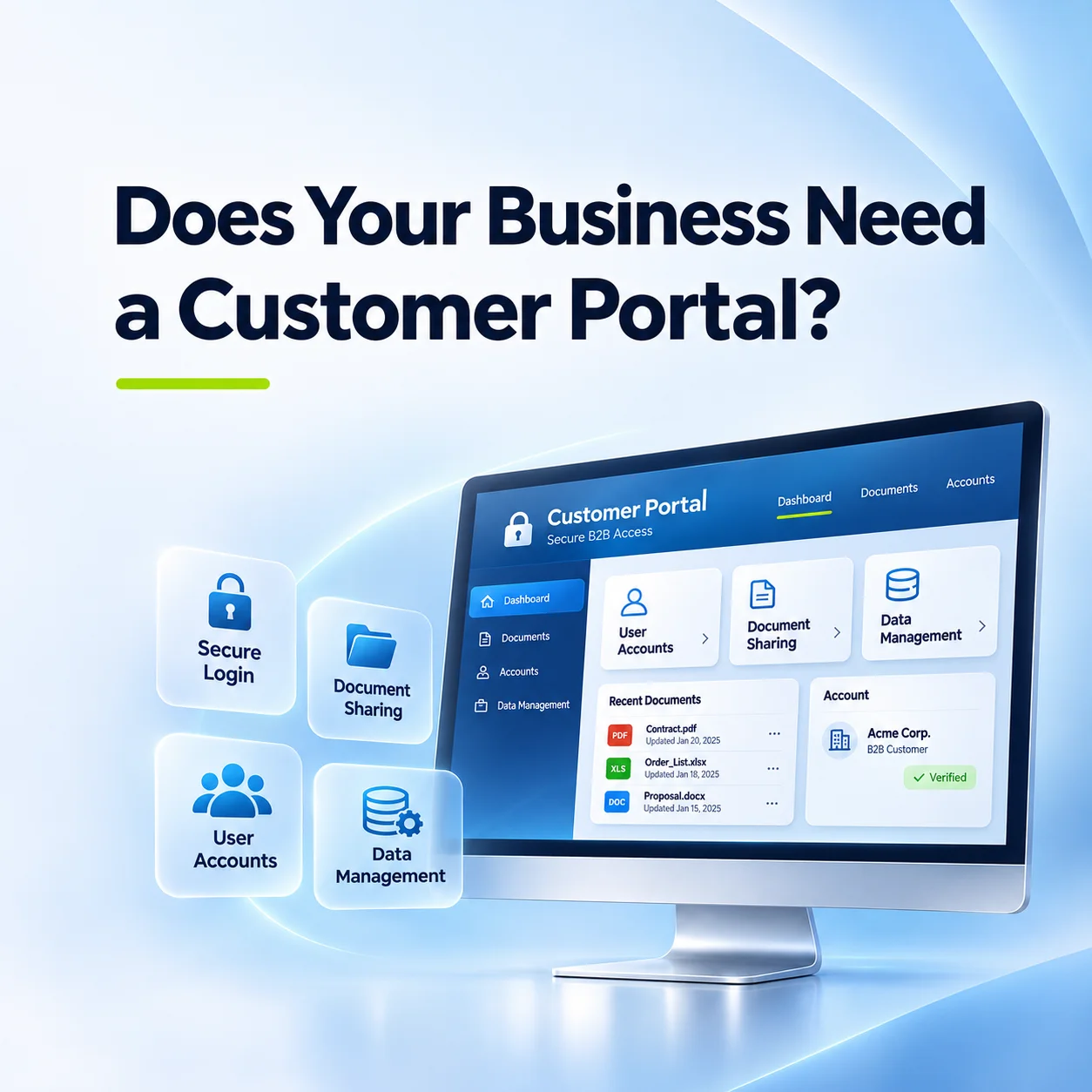
When Does a Business Website Need a Customer Portal?
A standard business website is designed to present company information, explain services, and help visitors make enquiries. However, some businesses need their websites to do more than communicate with potential customers.
For companies that regularly exchange documents, manage orders, or provide ongoing services to business clients, handling everything through email can become inefficient.
A customer portal offers a different approach. Instead of relying entirely on email communication, authorised customers can log in to a secure area of the website to access relevant information and services.
For B2B companies in New Zealand and international markets, a customer portal can be particularly useful when managing long-term client relationships and recurring business processes.
But does every business website need one?
1. What Is a Customer Portal on a Business Website?
A customer portal is a restricted section of a website where registered or authorised customers can access information and perform specific tasks.
Unlike a standard public website, a customer portal provides content and functionality based on the user's account and permissions.
Depending on business requirements, a portal may allow customers to:
- Access documents and technical resources
- Review orders or service requests
- Download invoices and relevant files
- Submit support enquiries
- Update account information
- Track the progress of ongoing projects
For example, a manufacturing company might provide technical specifications and product documentation to approved distributors.
A professional services company may use a portal to share project documents, while a wholesale business might provide access to order information.
The features should reflect the business relationship rather than simply adding a login function.
2. When Should a Business Consider Developing a Customer Portal?
A customer portal becomes worth considering when customers regularly need information or services that cannot be efficiently managed through a public website.
One common situation involves repeated document requests.
If employees frequently send the same technical documents, product catalogues, or service records to different customers, a controlled document library could simplify access.
Another situation involves ongoing transactions.
Businesses that regularly receive orders, process service requests, or provide project updates may benefit from allowing customers to check relevant information themselves.
A portal may also be useful when different customers require access to different resources.
For instance, authorised distributors might need access to commercial documents that should not be publicly available.
However, a customer portal is not automatically necessary for every B2B business.
If customer interactions are occasional and can be handled efficiently through email or contact forms, a simpler website may be sufficient.
The decision should depend on how frequently customers interact with the business and which processes could benefit from structured online access.
3. What Features Should a B2B Customer Portal Include?
The functionality of a B2B customer portal depends on the company's operating processes.
A basic portal might provide secure login and access to selected documents. A more advanced system could support order management, project tracking, and integration with internal business software.
User accounts and permissions
Different customers may require access to different information. Account permissions help determine which documents, records, and features each user can access.
Document management
Companies can organise technical documents, product catalogues, certificates, and other downloadable resources into accessible categories.
Enquiry and request management
Customers may submit questions, support tickets, or service requests through structured forms rather than relying entirely on email.
Order and project information
Where appropriate, customers can view order statuses, project milestones, or service histories.
Administrative management
Internal employees need tools to manage customer accounts, upload documents, review requests, and control access permissions.
Not every portal requires all these features. Starting with essential functions can help businesses avoid unnecessary development complexity.
4. Should a Customer Portal Connect to CRM or ERP Systems?
A customer portal can operate independently, but integration with existing business systems may be valuable when customers need access to operational information.
For example, a wholesale company may already manage customer accounts and orders through an ERP system.
If the customer portal operates separately, employees might need to update information in both systems.
Integrating the portal with the ERP could allow authorised customers to access selected order information without manually duplicating records.
CRM integration may also help businesses connect customer enquiries, account information, and service interactions.
However, these integrations require careful planning.
Developers must consider data structures, available APIs, authentication, permissions, and how information should move between systems.
Not every ERP or CRM platform supports the same integration capabilities.
Businesses should therefore confirm the technical requirements and available interfaces before assuming that an existing system can be connected.
In some cases, a standalone portal may be more practical than a complex integration.
5. What Should Businesses Consider Before Building a Customer Portal?
Before developing a customer portal, businesses should identify the tasks customers need to perform and the information employees must manage.
The first step is defining user roles.
For example, customers, distributors, account managers, and system administrators may require different permissions.
Security is another essential consideration.
Because customer portals may contain confidential business documents or account information, development should include appropriate authentication, access controls, encrypted connections, and secure data handling.
Businesses should also consider the administrative interface.
A portal may be convenient for customers but difficult to maintain if employees cannot easily manage accounts, documents, and requests.
Mobile usability matters as well, particularly when customers need to access information outside the office.
Finally, businesses should plan for future maintenance.
New features, changing customer requirements, software updates, and integrations may affect the portal over time.
A clear development scope helps determine which capabilities are necessary at launch and which can be introduced later.
Conclusion
A customer portal can extend a business website beyond company information and general enquiries.
For B2B businesses managing recurring orders, restricted documents, ongoing projects, or customer-specific services, it can provide a more organised way to support existing clients.
However, a portal should solve identifiable operational problems rather than simply add functionality.
The most appropriate approach is to assess customer requirements, internal workflows, security needs, and existing business systems before deciding on development.
For companies considering a custom B2B website, these requirements can help determine whether a standard corporate website is sufficient or a dedicated customer portal is needed.