How to Design Country Selection Without Frustrating Global Visitors
2026.09.28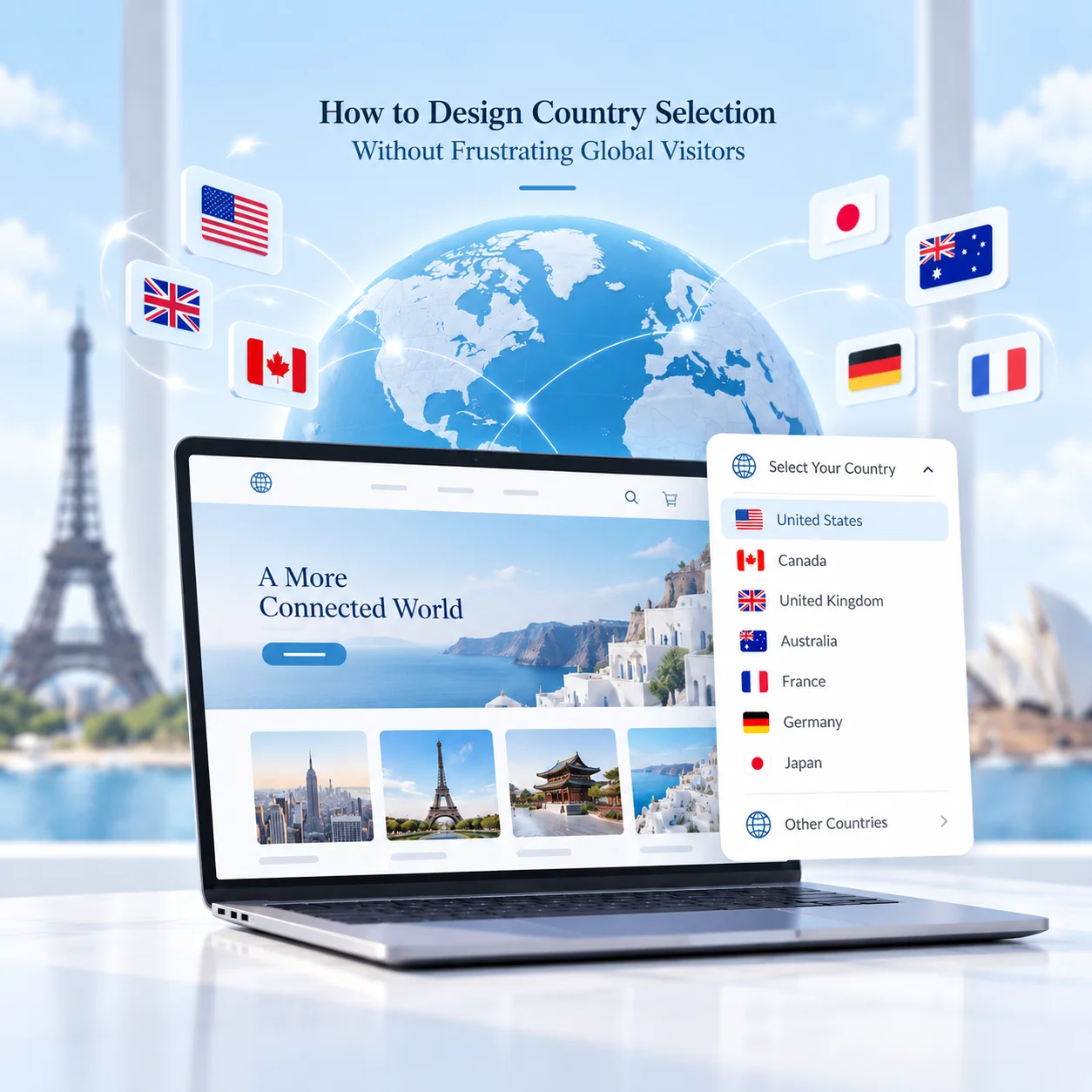
How to Design Country Selection Without Frustrating Global Visitors
A global website often needs to serve visitors from different countries, languages, currencies, and regional product ranges. One of the first decisions is how users should choose the right version of the site.
This sounds simple, but country selection can easily become frustrating when visitors are redirected without warning, forced into the wrong region, or asked to make the same choice every time they return.
The goal is not just to detect where a visitor is located. It is to help them reach the most relevant version of the website without taking control away from them.
Avoid Forcing Automatic Redirects
Automatic country detection can be useful, but it should not always result in a forced redirect.
A visitor may be travelling, using a VPN, working for an international company, or simply trying to view another market. If the website immediately redirects based only on IP location, the user can end up trapped in the wrong regional site.
A better approach is to use location detection as a suggestion.
For example:
- “You appear to be visiting from Germany. Switch to the German site?”
- Show a clear country selector in the header.
- Allow the visitor to stay on the current version.
- Remember the visitor’s choice for future visits.
The website can guide the user without removing their ability to choose.
Separate Country and Language When Necessary
Country and language are not always the same thing.
A visitor in Switzerland may prefer German, French, Italian, or English. A customer in Singapore may use an English-language site while still needing Singapore-specific pricing, availability, or contact information.
For this reason, global websites often benefit from treating these as separate settings:
- Country or market
- Language
Country selection can control regional content such as products, prices, distributors, shipping options, and legal information.
Language selection can control how that content is displayed.
This structure is more flexible than assuming every country has one language and every language belongs to one market.
Make the Selector Easy to Find
Country selection should not be hidden.
Users should be able to understand which regional version they are viewing and change it easily if necessary.
Common locations include:
- The main header
- The utility navigation
- The footer
- A clearly labelled region or globe icon
The current country should also be visible after selection.
Avoid relying only on flags. Flags represent countries, not languages, and they can become confusing when one language is used across several markets.
Text labels such as “United Kingdom”, “Australia”, or “English” are usually clearer.
Remember the User’s Choice Without Locking Them In
Repeatedly asking visitors to select a country creates unnecessary friction.
Once a visitor chooses a market, the website can usually remember that preference using a cookie or account setting.
However, the user should still be able to change regions at any time.
A useful flow is:
1. Detect a likely country on the first visit. 2. Suggest the relevant regional site. 3. Let the visitor confirm or reject the suggestion. 4. Remember the confirmed choice. 5. Keep the country selector permanently accessible.
This reduces repeated interruptions while still giving users control.
It is also important to decide what happens when a page does not exist in another country version. Instead of sending the visitor to a generic homepage, the website should redirect them to the closest relevant page whenever possible.
Final Thoughts
Country selection on a global website should feel like navigation, not a barrier.
Automatic detection can help, but it should support the visitor rather than make the decision for them. The strongest structure usually combines regional detection, visible country and language controls, remembered preferences, and clear fallback behaviour.
For international websites, the question is not simply “Which country is this visitor in?”
A better question is: “Which market does this visitor want to use, and how can we help them get there with the least friction?”