How Can Businesses Manage Website Content Without a Developer?
2026.11.02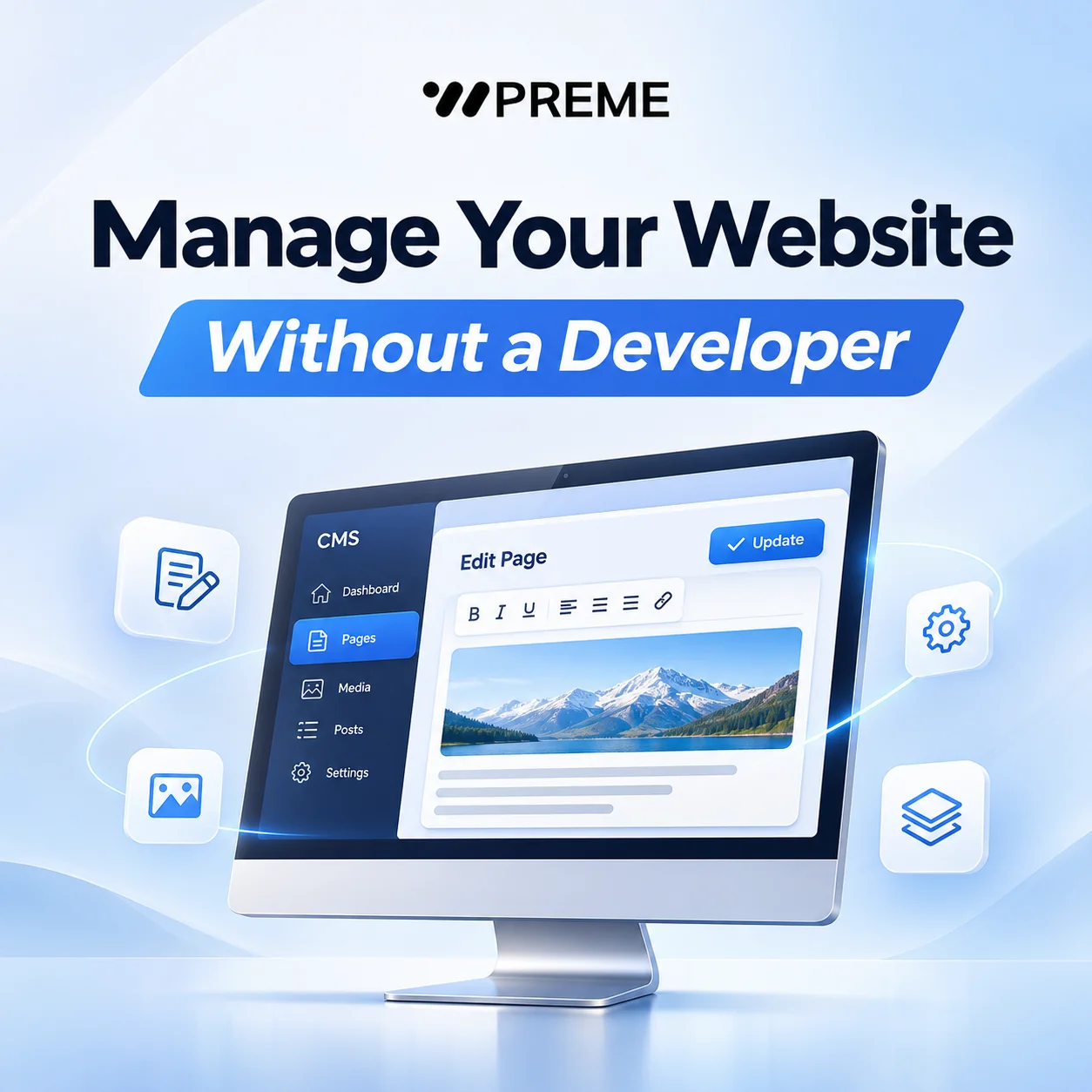
How Can Businesses Manage Website Content Without a Developer?
A business website needs regular updates. Service information changes, new products are introduced, team members join, and company announcements need to be published.
However, some businesses discover that even small website changes require contacting their development agency. Updating a paragraph, replacing an image, or adding a new page can become an unnecessary administrative task.
For companies in New Zealand and other international markets, having control over website content can make day-to-day operations more convenient.
The solution is not necessarily to hire an internal developer. With an appropriate content management system (CMS), businesses can manage many website updates themselves while leaving technical maintenance to qualified professionals.
1. What Is Website Content Management?
Website content management refers to the process of creating, editing, organising, and publishing information on a website.
A content management system, commonly called a CMS, provides an administrative interface that allows authorised users to update website content without directly editing the source code.
Depending on the system, businesses may be able to manage:
- Company information and service descriptions
- Product details and images
- News, announcements, and blog articles
- Team profiles and contact information
- Downloadable brochures and documents
- Website pages and selected navigation items
For example, a manufacturing company may need to update product specifications, while a professional services firm may regularly revise its service descriptions.
The appropriate management features depend on how the business operates and what information changes most frequently.
A CMS does not automatically make every website element editable. The available controls depend on how the website was developed and configured.
2. Why Do Businesses Need Direct Control Over Website Content?
Direct content management allows employees to update information without requesting development assistance for every routine change.
Consider a company introducing a new service. If the website has suitable content management features, an authorised employee can prepare the description, upload supporting images, review the information, and publish the update.
Without those features, the same task may require communication with an external developer.
The benefits are particularly relevant for businesses that frequently update their websites.
Faster information updates
Changes to operating hours, contact details, product information, or service availability can be published through the administration system.
More consistent content maintenance
Employees responsible for business information can review and maintain relevant pages as part of their normal workflow.
Reduced dependence on developers
Routine content changes can be handled internally, while developers remain responsible for technical improvements and more complex modifications.
However, direct editing is not always necessary for every organisation. A small corporate website that rarely changes may require fewer management features than a website with an extensive product catalogue.
3. What Should Businesses Look for in a CMS?
A suitable CMS should reflect the responsibilities and technical abilities of the people who will use it.
An interface containing numerous unnecessary controls can make simple tasks more complicated than they need to be.
Before selecting a website platform or commissioning a custom CMS, businesses should consider several practical requirements.
Easy content editing
Employees should be able to edit text, replace images, and update relevant page information without needing programming knowledge.
User roles and permissions
Different employees may require different levels of access. For example, a marketing employee may manage website articles while an administrator controls user accounts and configuration settings.
Consistent page formatting
Templates and structured content fields can help maintain consistent layouts when multiple employees update the website.
Media and document management
Businesses that publish technical specifications, catalogues, or downloadable files may need organised media libraries and document management features.
Content review and publishing
Where several employees contribute to the website, draft saving, approval workflows, or scheduled publishing may be useful.
Not every business requires all these capabilities. The objective is to select features that support actual operating requirements rather than adding unnecessary complexity.
4. Standard CMS vs Custom Website Management Systems
Businesses generally have two broad options: using an established CMS or developing a management system tailored to specific requirements.
Established CMS platforms can be suitable for corporate websites, service pages, blogs, and other relatively standard content structures.
They often provide familiar editing interfaces and extensions that support common website functions.
However, businesses with specialised processes may need more customised management capabilities.
For example, a B2B manufacturer may require structured product specifications, document categories, multiple product classifications, and different administrative permissions.
A custom CMS can be designed around these requirements rather than forcing employees to work within a general-purpose editing interface.
Custom development may also be appropriate when website management needs to connect with other business systems, such as CRM, ERP, or internal databases.
Nevertheless, custom development generally requires greater consideration of initial development scope, ongoing maintenance, documentation, and future upgrades.
The decision should be based on business requirements, not simply on whether a custom system offers more flexibility.
5. What Website Tasks Still Require a Developer?
A CMS makes content updates easier, but it does not eliminate the need for technical maintenance.
Employees can often manage ordinary content changes through the administration interface. More substantial modifications may still require development work.
Examples include introducing new booking functionality, modifying database structures, integrating external services, or significantly changing website layouts.
Security updates, software compatibility, server configuration, and technical troubleshooting may also require specialist support.
Businesses should therefore distinguish between two responsibilities:
- Content management: Updating information, images, articles, and other editable website content.
- Technical maintenance: Managing software, security, integrations, infrastructure, and changes beyond the available editing tools.
This distinction should be discussed during website planning.
It is also worth confirming whether the development provider offers administrator training, documentation, backups, and ongoing technical support.
A website can have an effective CMS while still requiring a reliable maintenance arrangement.
Conclusion
Businesses do not need a developer for every website content update.
With an appropriately configured CMS, employees can manage routine information changes through an administrative interface while technical specialists handle more complex tasks.
When planning a new business website or redesigning an existing one, companies should identify what information they need to update, who will manage it, and which changes should remain under developer control.
A practical content management approach makes website administration easier to integrate into everyday business operations.
SEO Metadata
SEO Title: Website Content Management Without a Developer | WEBPREME
Meta Description: Learn how businesses can manage website content without a developer, choose the right CMS, and understand which updates still need technical support.
URL Slug: website-content-management-without-developer
Focus Keyword: Website Content Management
Related Keywords: - Content Management System - CMS for Business Websites - Website Content Updates - Business Website Management - Custom CMS Development - Website Administration - Website Maintenance - CMS Website Development - Website Editing Without Coding - Corporate Website CMS